Product Changelog
Clearstream is a product-first company. We value feedback and are releasing new things all the time! The changelog below is a timeline of the improvements and new features we've launched.
Browse by date
Showing posts for March, 2024...
← Back to all postsMarch 26, 2024
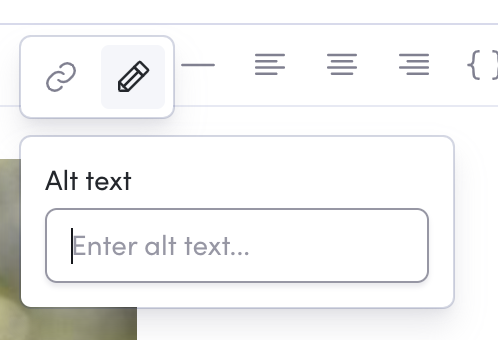
Release DetailsAlt text in email
Images in emails can now have alt text.
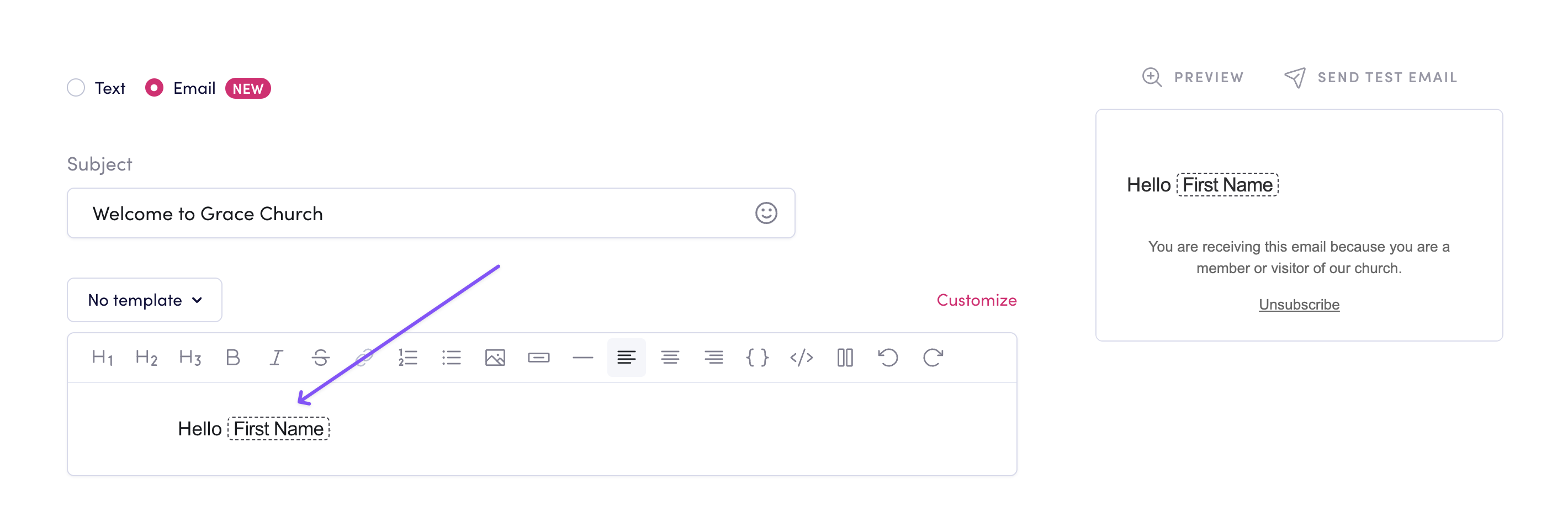
Auto-recognize user data in email
We will now auto-format user data when typed in the email editor.
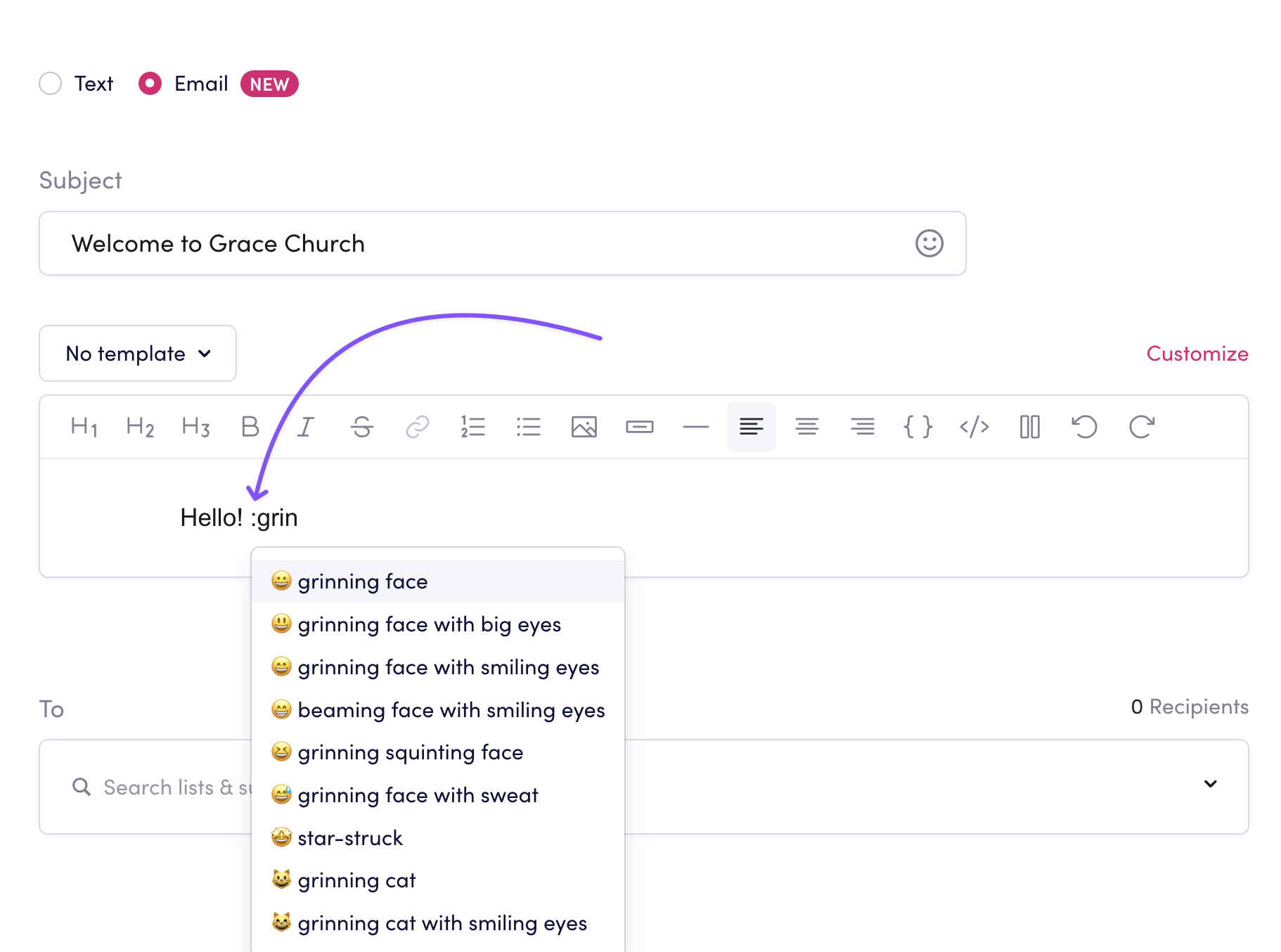
Emoji suggestions
Emoji suggestions will now appear in the email editor when you type :
User data suggestions
User data suggestions will now appear in the email editor when you type @

March 21, 2024
Release DetailsVideo in Planning Center Add-on
You can now send videos with the Planning Center Add-on.

March 19, 2024
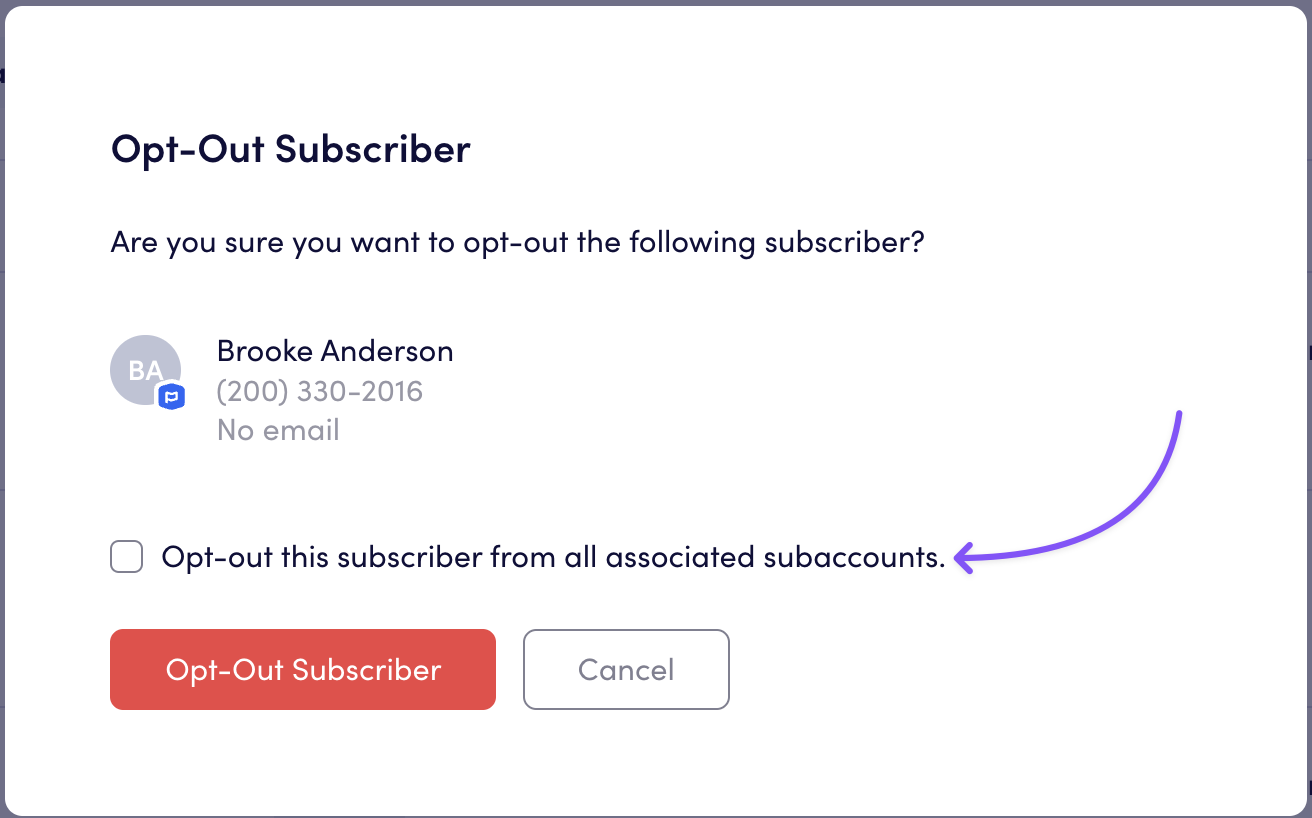
Release DetailsOpt out contacts for subaccounts
When you opt out a subscriber in your main account, you now have the option to opt out contacts across all subaccounts.
March 15, 2024
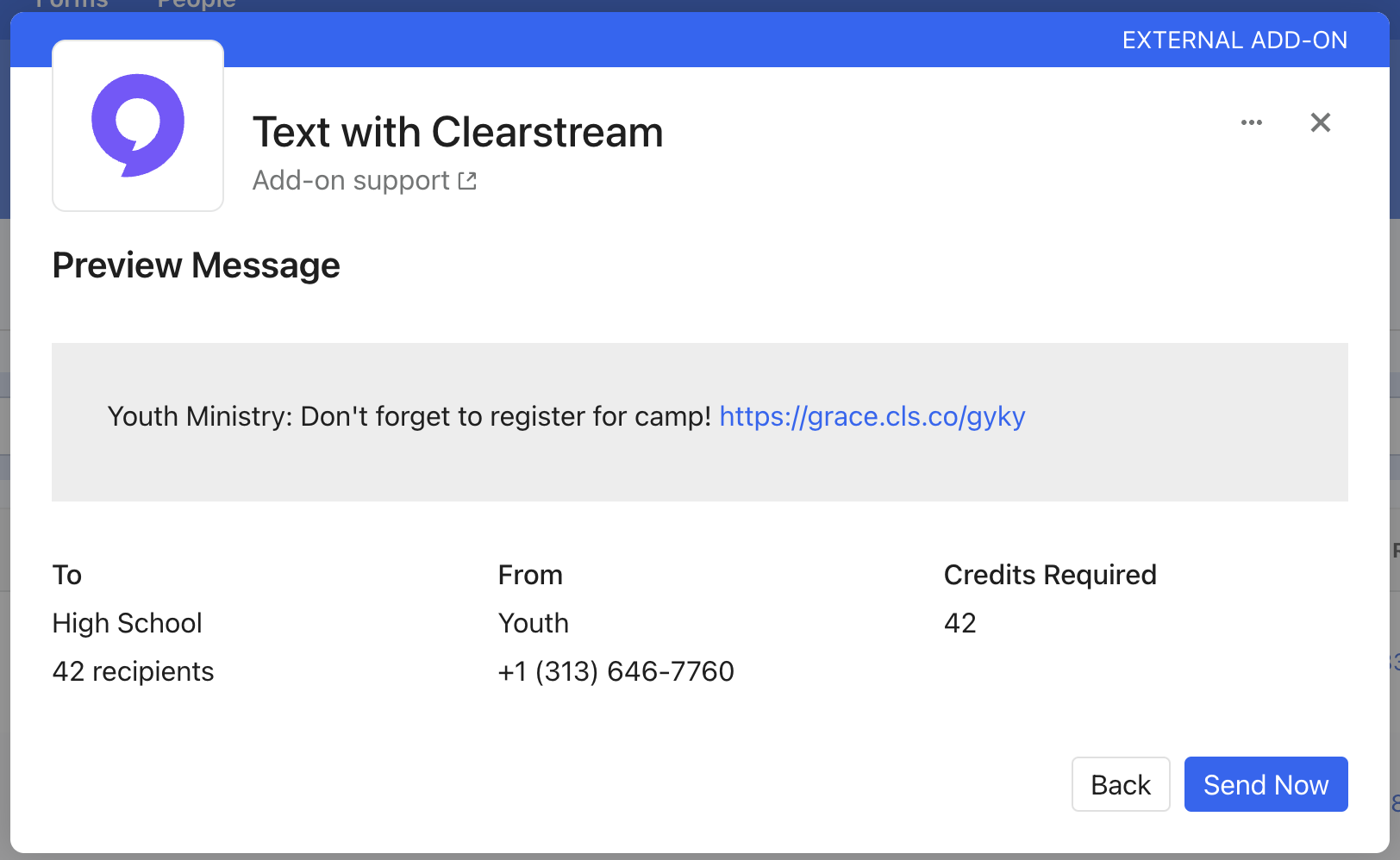
Release DetailsHighlighted links in Planning Center Add-on
When previewing a message in the Planning Center Add-on, links will now be highlighted and clickable.
March 12, 2024
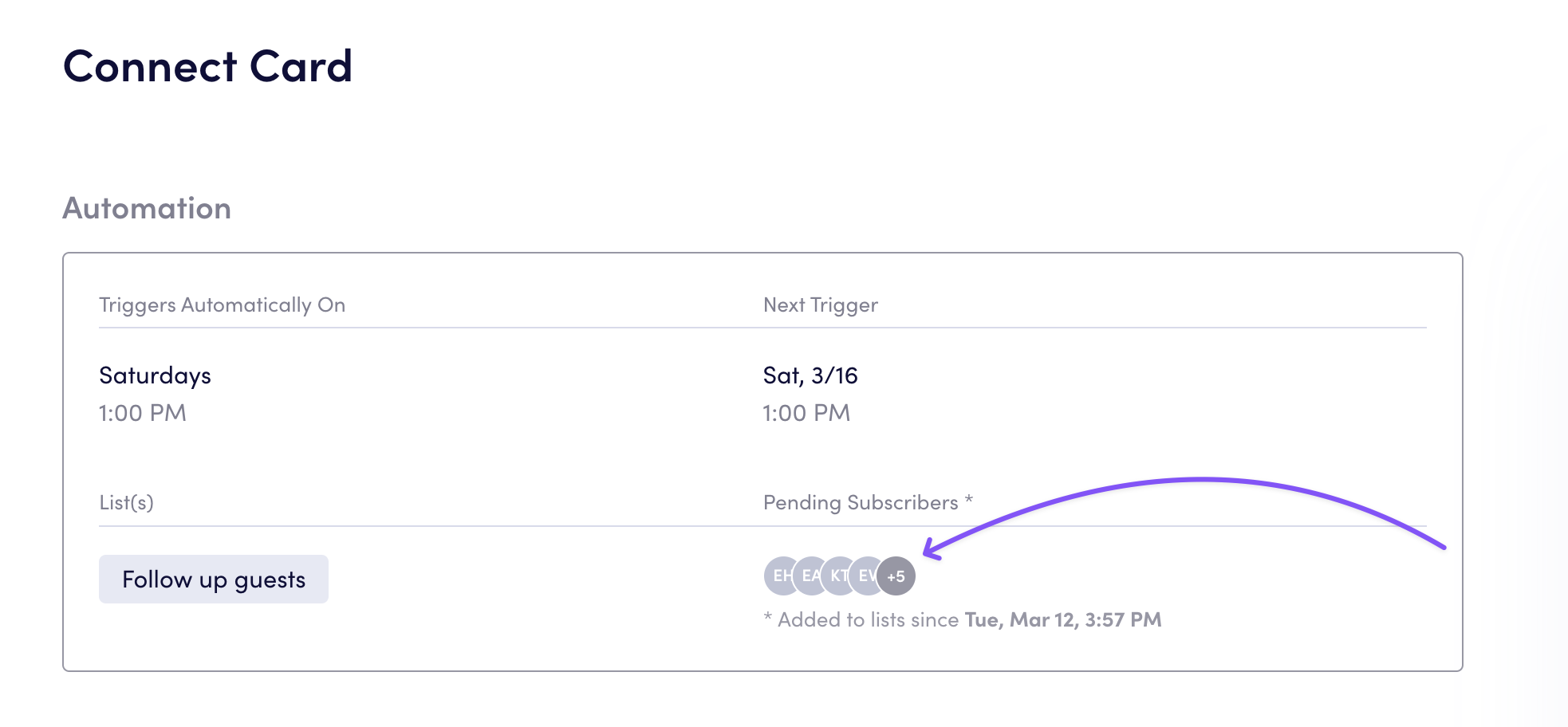
Release DetailsView pending subscribers for workflows
You can now see which subscribers are pending to enter an automated workflow.
March 7, 2024
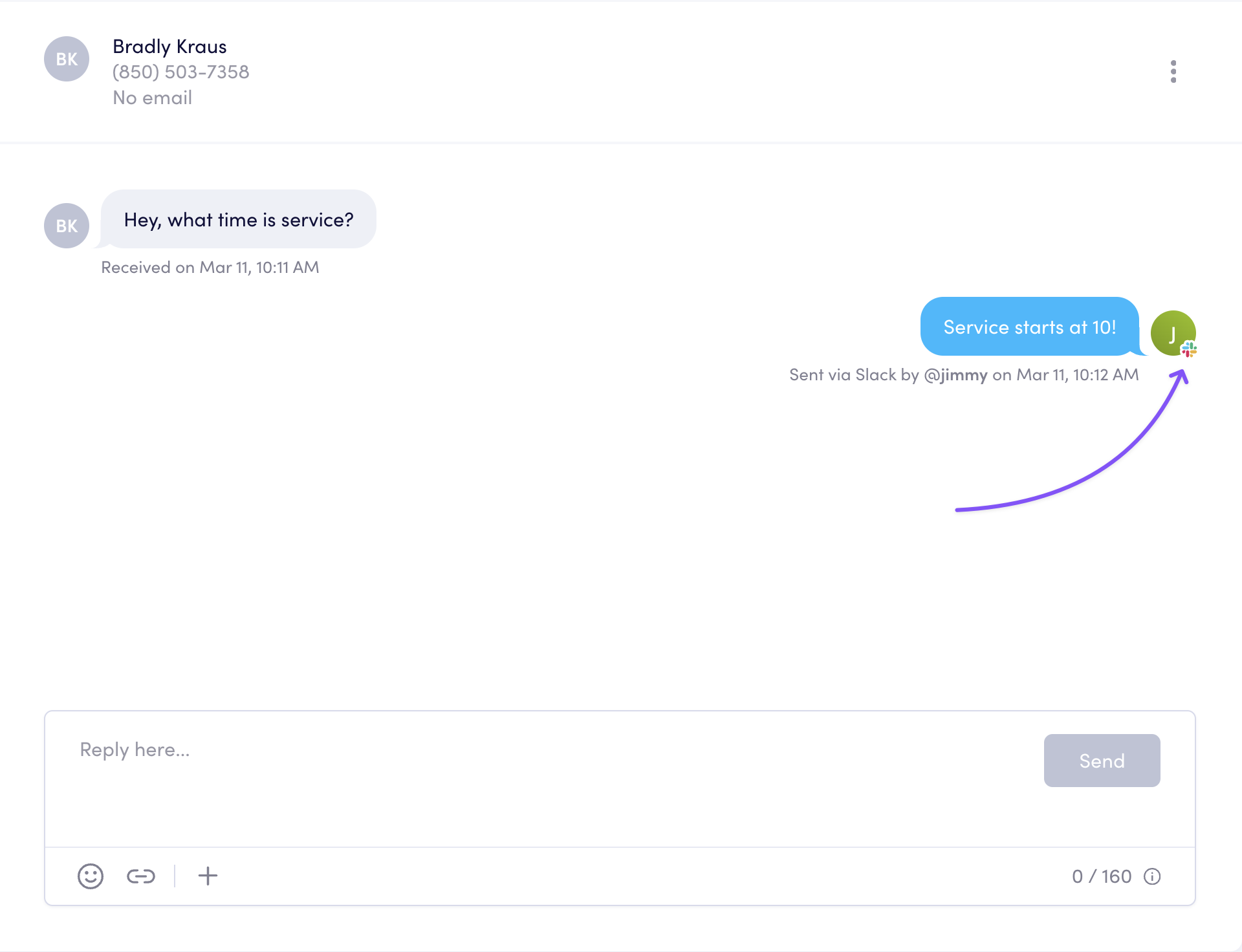
Release DetailsSee which user replied from Slack
If your team uses Slack to manage your Clearstream inbox, your inbox will now show which Slack user sent each reply.
March 2, 2024
Release DetailsEmails in workflows
Now you can add emails to your keyword workflows and automated workflows. 🎉