10 Tools to Help You Connect with Your Church This Easter


Easter is just around the corner! It's a busy time for churches, with plenty of communication needs and many opportunities to connect with new people.
You may already be planning to send a few texts and emails in the weeks leading up to Easter weekend. But aside from just mass communication, there are several other tools in your Clearstream account that may be useful to your team.
Here are 10 features to help you connect with your church this Easter 🙌
1. Keywords
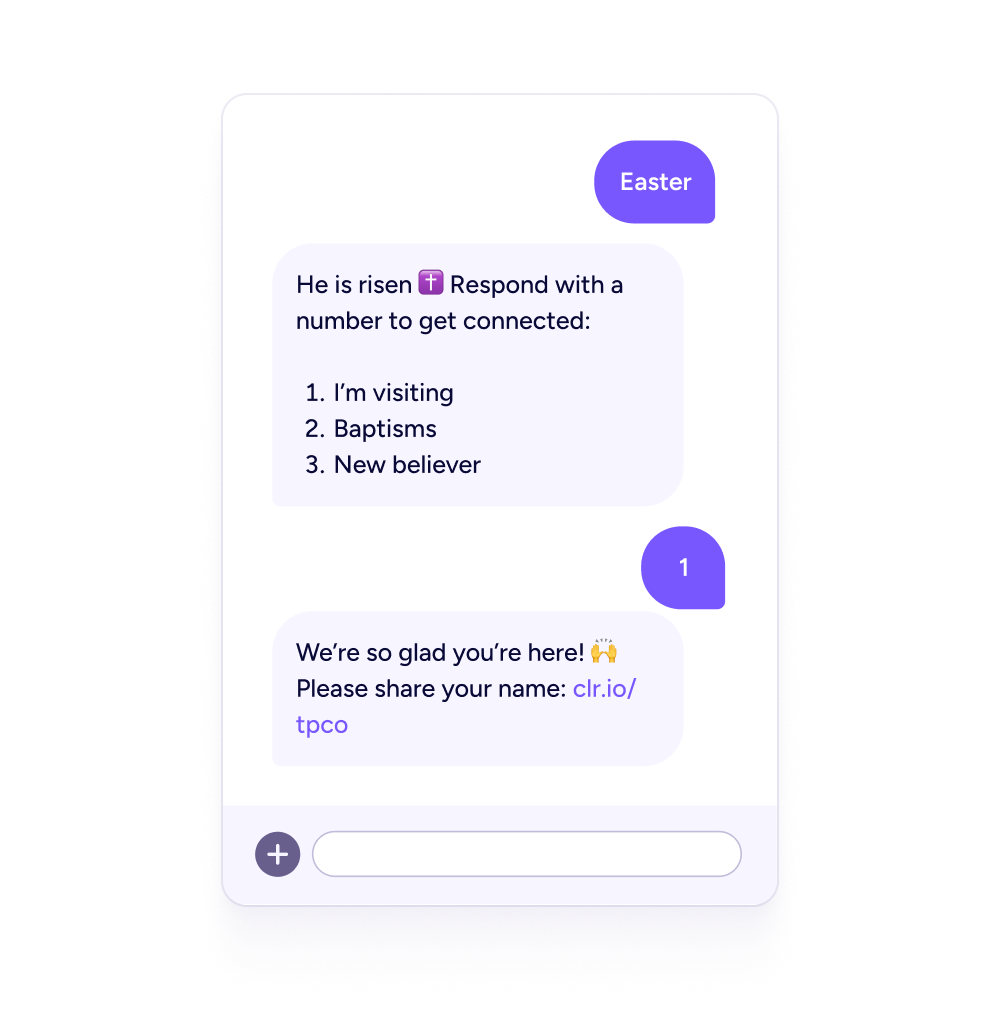
You may have a lot of visitors on Easter, and it can be tricky finding ways to connect with them all. Keywords make it easy for guests to get information, fill out a connect card, or ask for prayer. People can text your keyword (like GUEST or EASTER) and get a response back with more information or a menu of options to choose from.
2. Digital connect cards
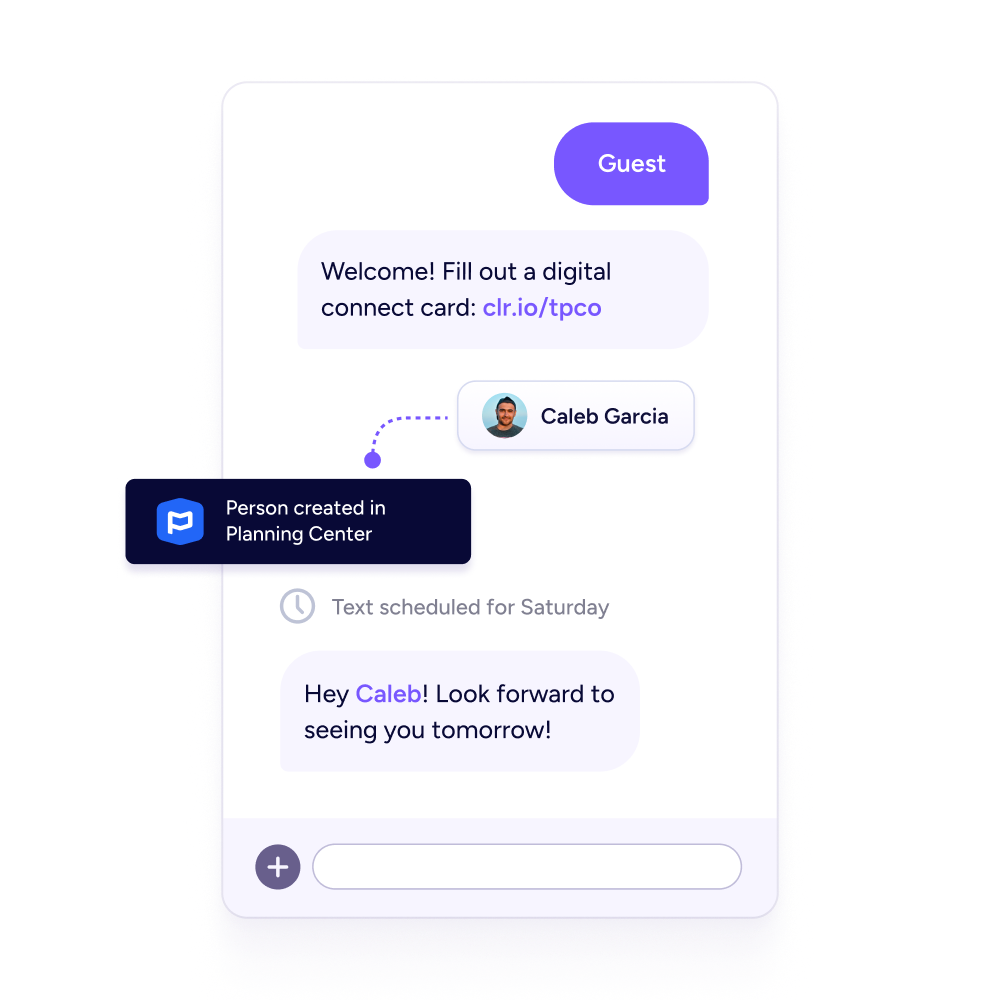
Visitors can easily fill out a connect card from their phone. Once they fill it out, we'll automatically create a new contact and can even sync their info to Planning Center or your other integrated ChMS.
3. Automated workflows
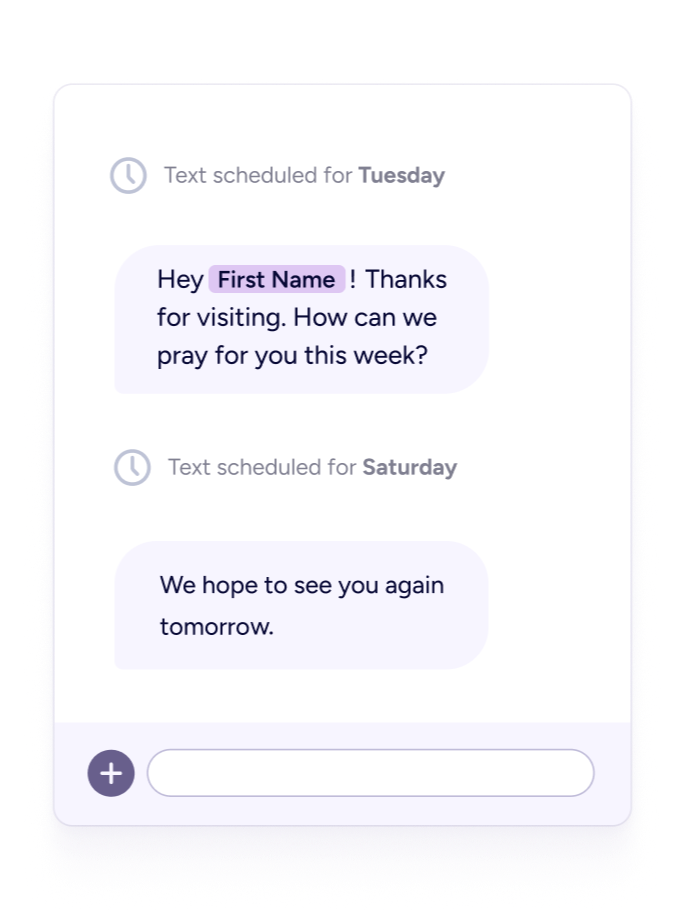
Want to check in with your visitors after Easter? Create a workflow that automatically sends a series of well-timed texts and emails in the weeks that follow, checking in and asking how you can be praying for them.
4. QR code generator
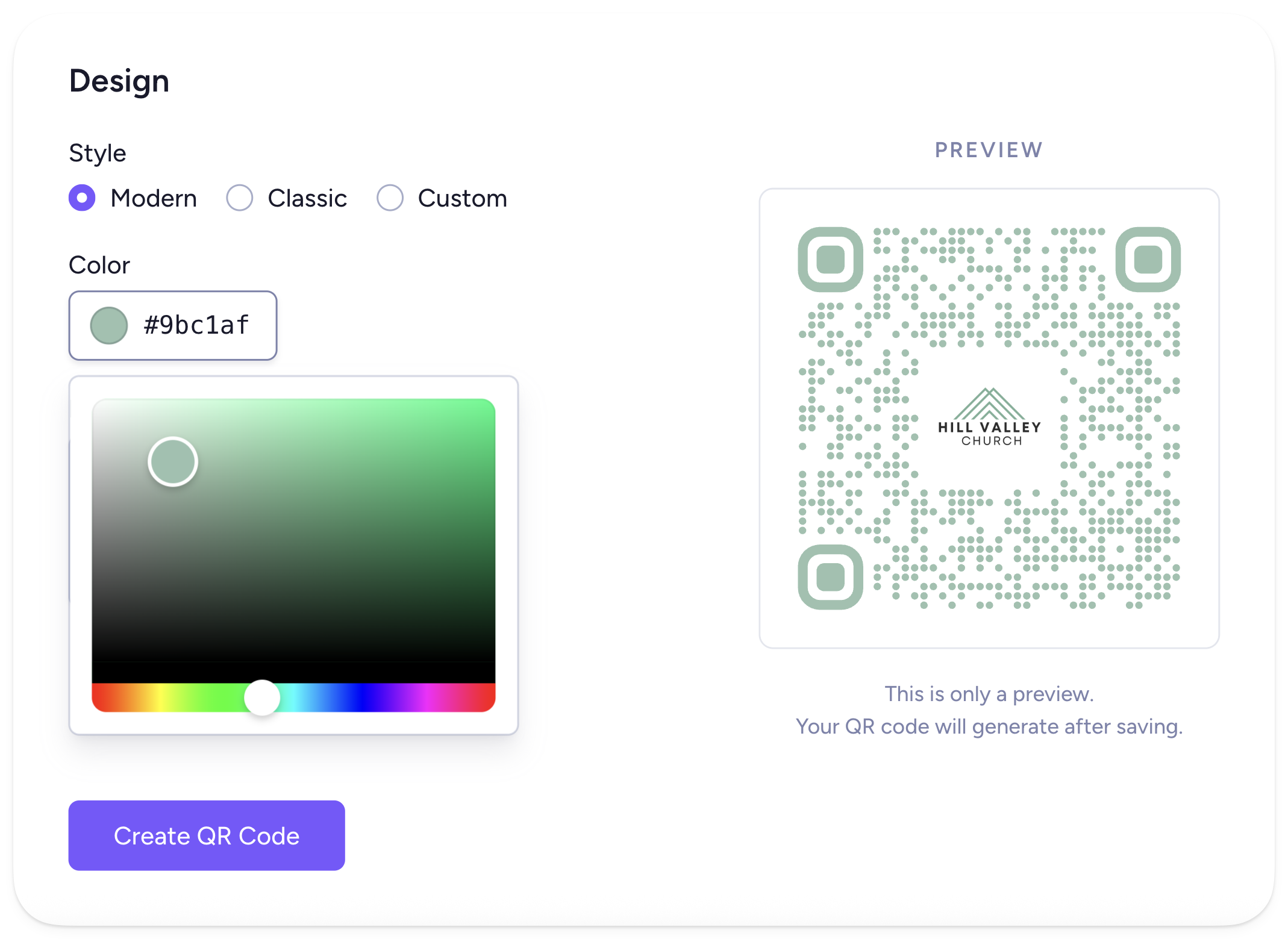
Create QR codes that link to your connect card, giving page, website, Planning Center form, and more. Print them on your bulletins or signage, and use them on digital slides. You can track engagement and instantly update the QR code link at any time. No reprinting required! 👍
Go to Settings > QR Codes to get started!
5. Custom landing page
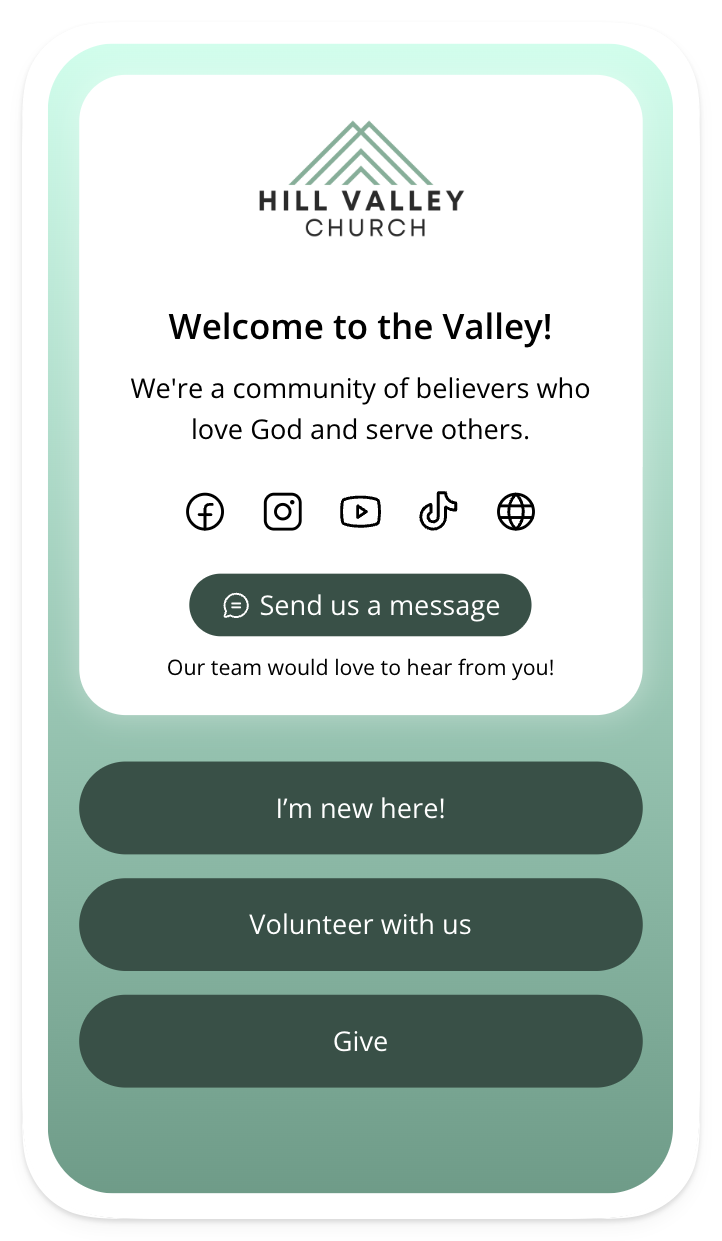
Make it easy for your people to connect by putting all your church's info in one place. Easily design a branded microsite and add options for giving, new visitors, events, and more. You can even include your texting number so people can easily message your team with questions or prayer requests.
Guests can open your microsite by scanning a QR code, texting a keyword, or tapping an NFC tag. You can also share it in your social media bios (like this!) 😎
6. Video messaging
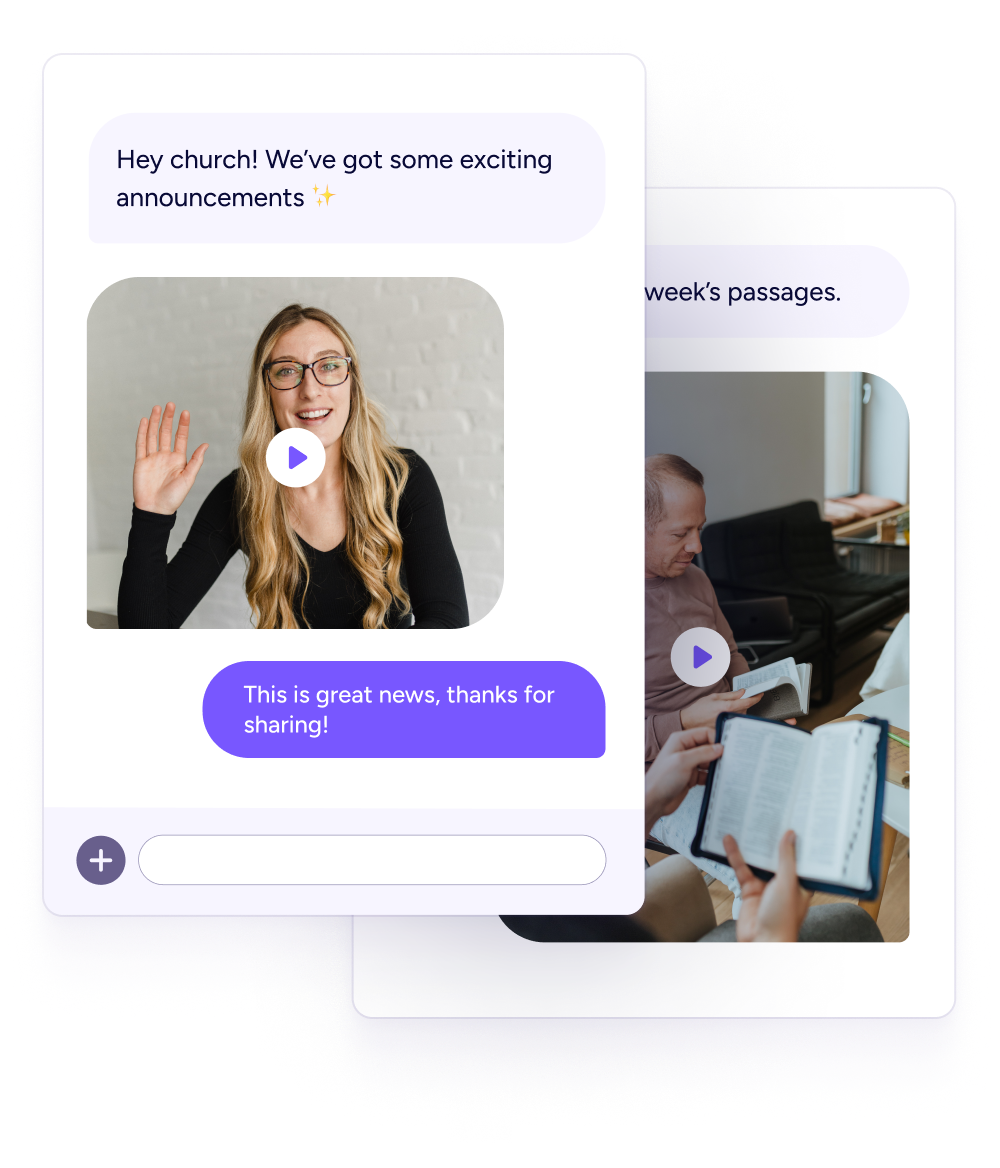
Sending out video reminders or service invites via text can be a great way to engage with your people. Send a video message from your pastor inviting people to come on Easter Sunday, or have your staff take turns sharing video devotionals throughout Holy Week.
7. NFC tags
Tap tags let your church connect, give, and more just by tapping their phones. Open any link you want, or open your church's microsite with options to connect, give, and more. Our standard tap tags are only $1 each, and if you order before March 15th, you'll have plenty of time to get them installed and tested before your Easter services.
Click here to get a free sample!
8. Live polls
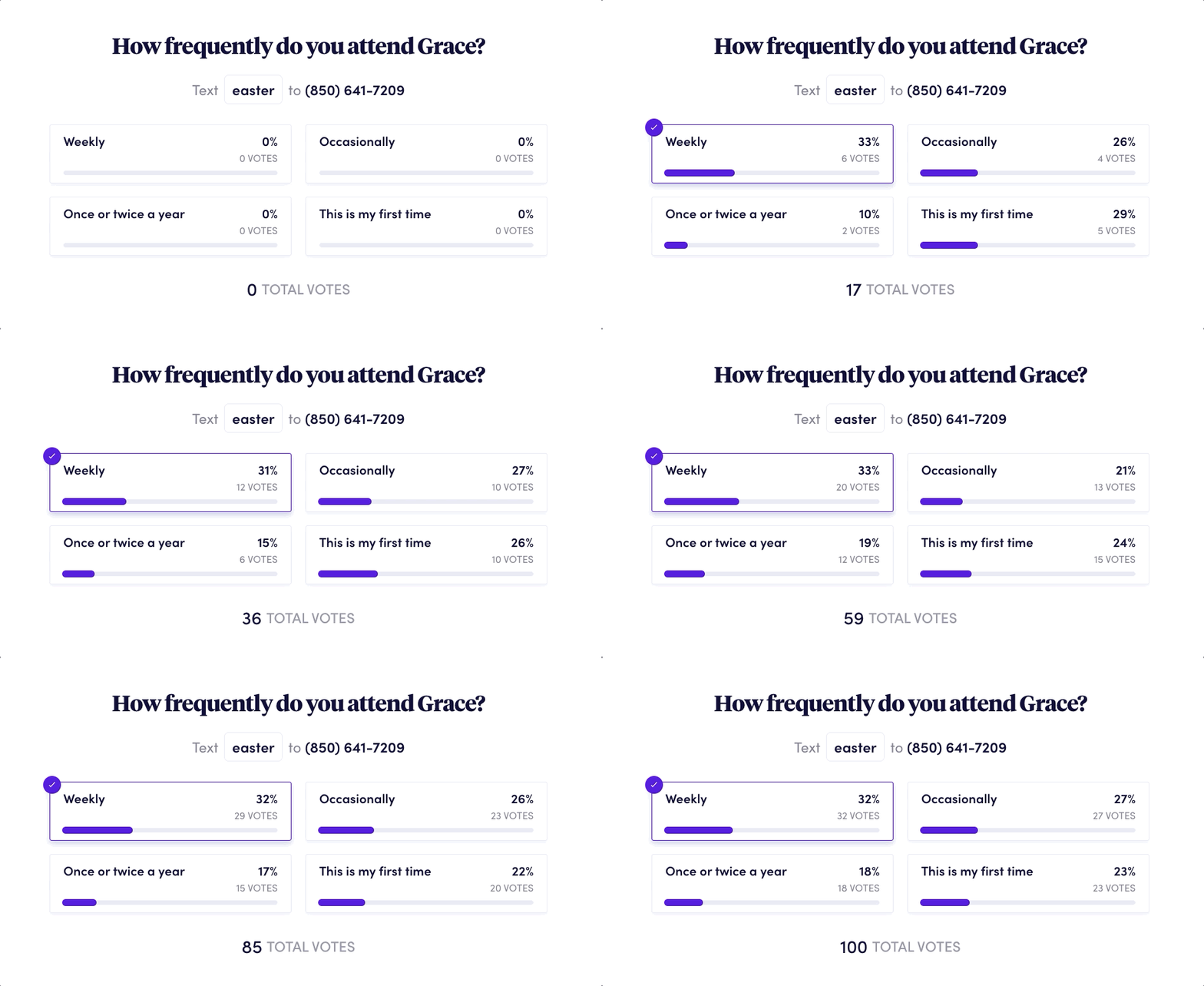
Looking for a fun way to engage with your church during service? People can text in their responses to your poll and see them displayed live on-screen. Find out how often people attend, or break the ice by asking people their favorite Easter candy 🍬
9. Notes
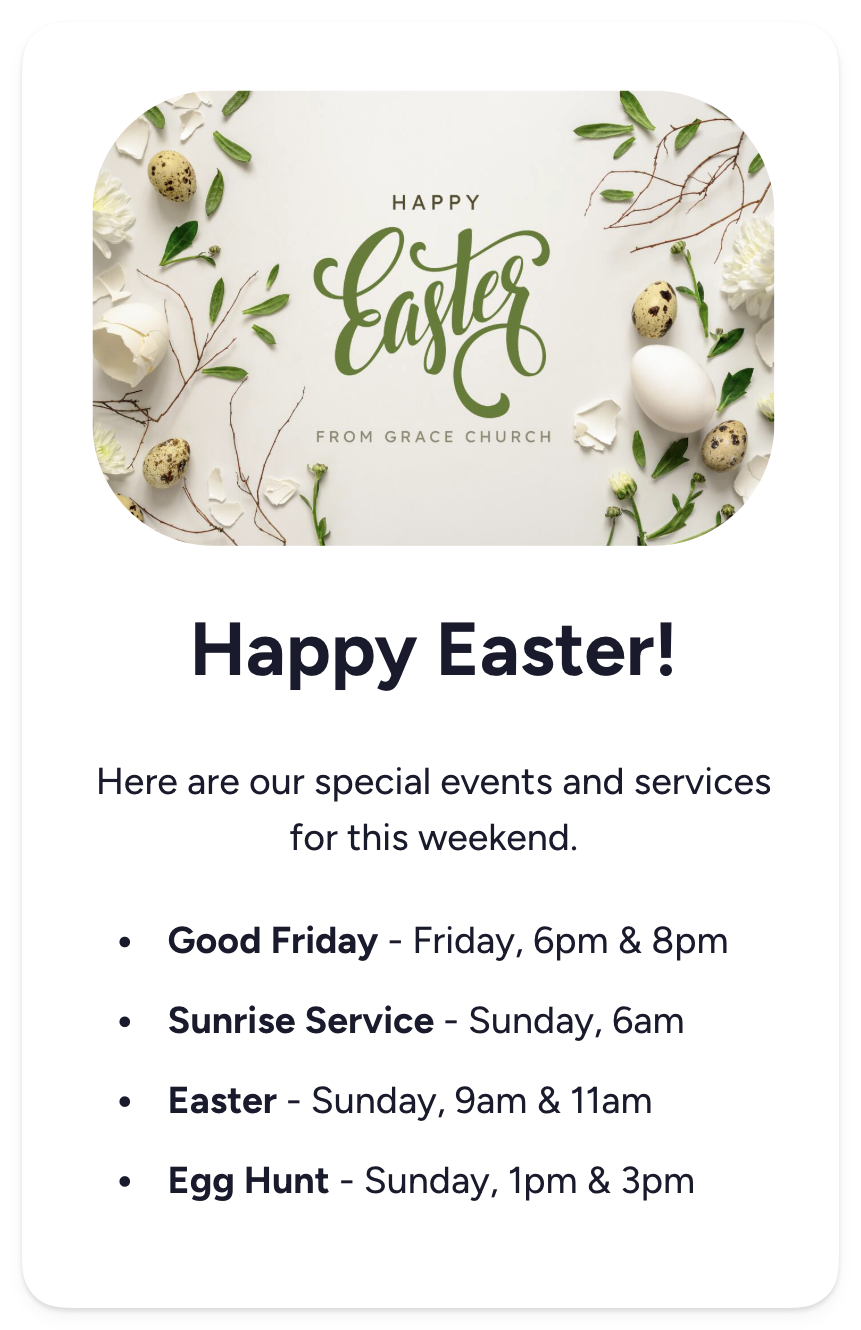
Want to send a list of your special Easter services and events or a written devotional for Holy Week? Upload your PDF or create a new, beautifully formatted note, then share it via text.
10. Link shortener
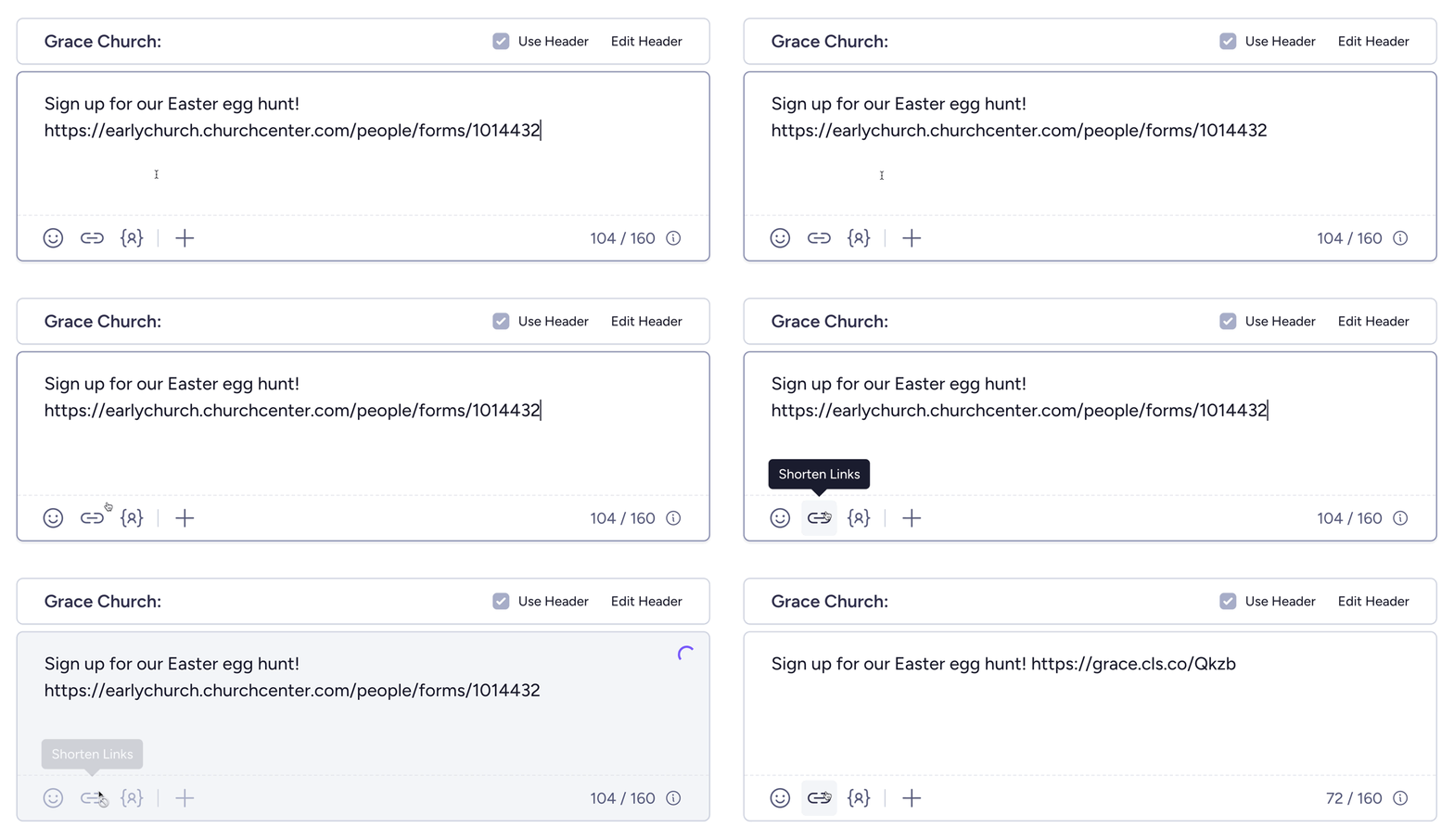
Create shortened links for your Easter events, guest resources, or registration forms that are branded with your church's name. Just paste the link into your message, then click the link icon. You can also track link clicks so you know how people are engaging and create custom links (like grace.cls.co/easter) from your short links page!
If you have questions about any of these features, or if you have an idea you want to implement but aren't sure the best way to go about it, just reach out to our support team. We're available within minutes via the live chat in your account (even on Easter Sunday), and we'd love to help!